
Skip to content

Assets

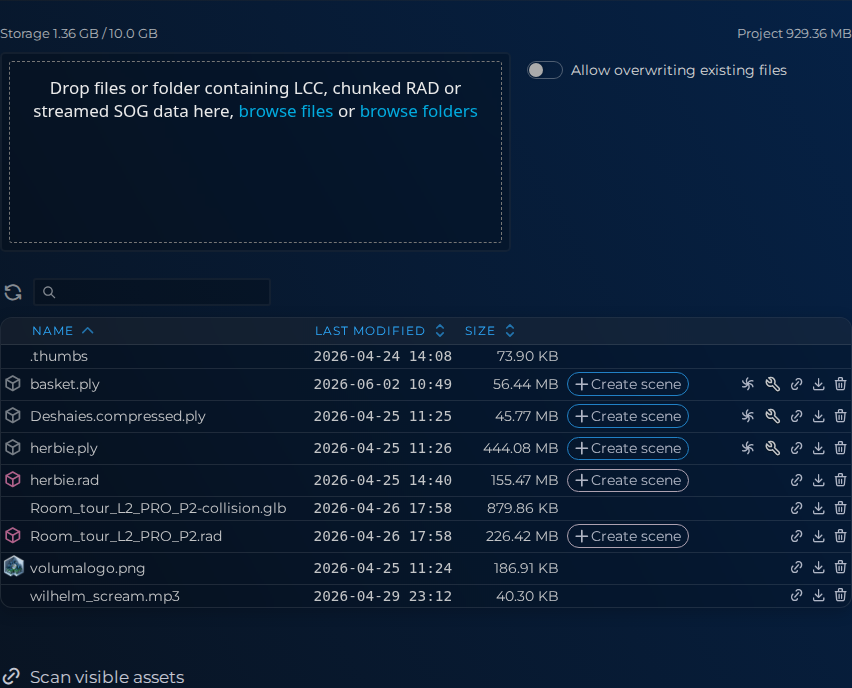
Use Assets to keep project files ready for scene work.
Review uploaded files, start conversions, and prep source material before opening the editor.

You can also create 3D scenes from Gaussian Splat files, convert them to streaming format, or edit assets with Supersplat.
project.assets

Technical context

  • Browse files and folders
  • Search, sort, and paginate large asset sets
  • Convert supported source formats
  • Create scenes from Gaussian Splat files
  • View client-wide storage usage for the current project context -->