
Scene Properties
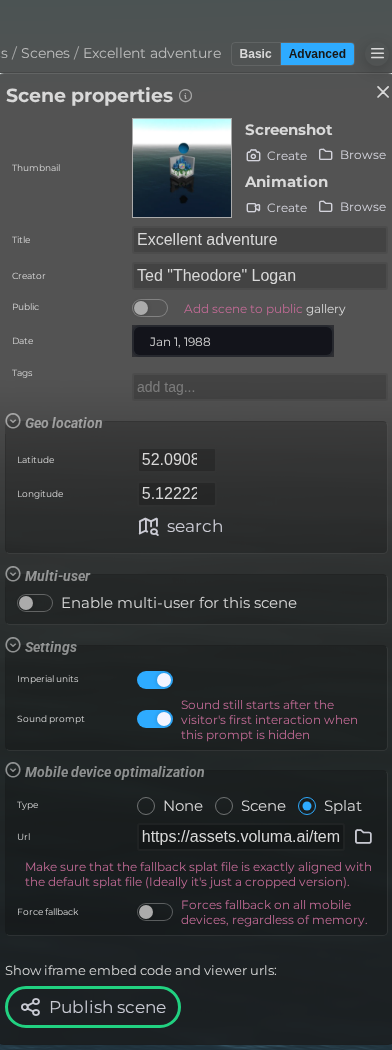
Use Scene Properties to change settings for the full scene, including camera behavior, environment options, marker visibility, metadata, splat options, and styling.
LCC viewer
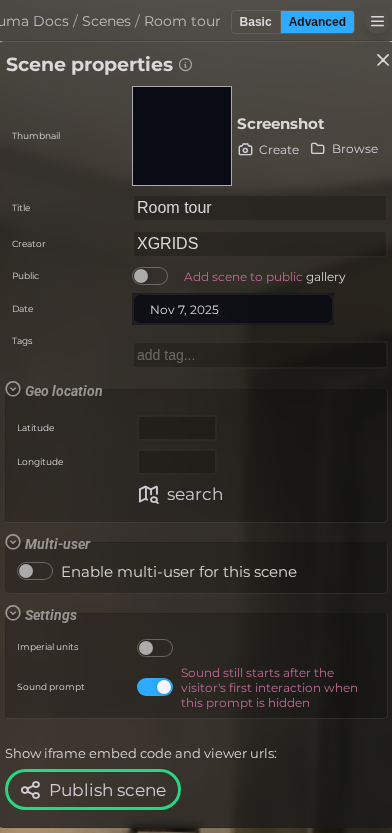 Steps: Expand scene settings section → Select the Meta scene section to open the properties panel → Expand all collapsed fieldsets in the properties panel