
Studio
Voluma Studio is the main editing area. Use it to build scenes, edit scene settings, tune markers, and adjust camera tools before publishing the final viewer.
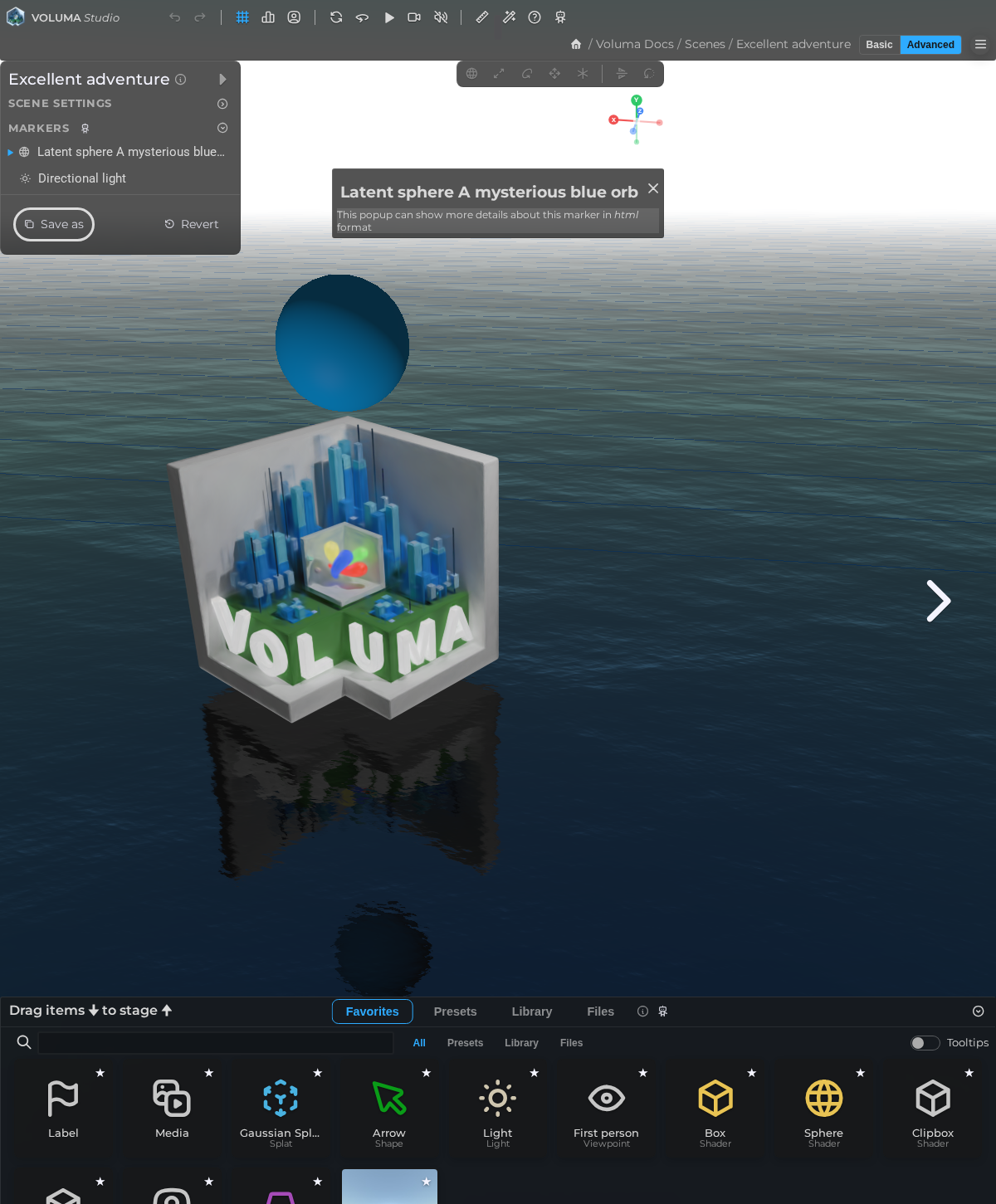
LCC viewer
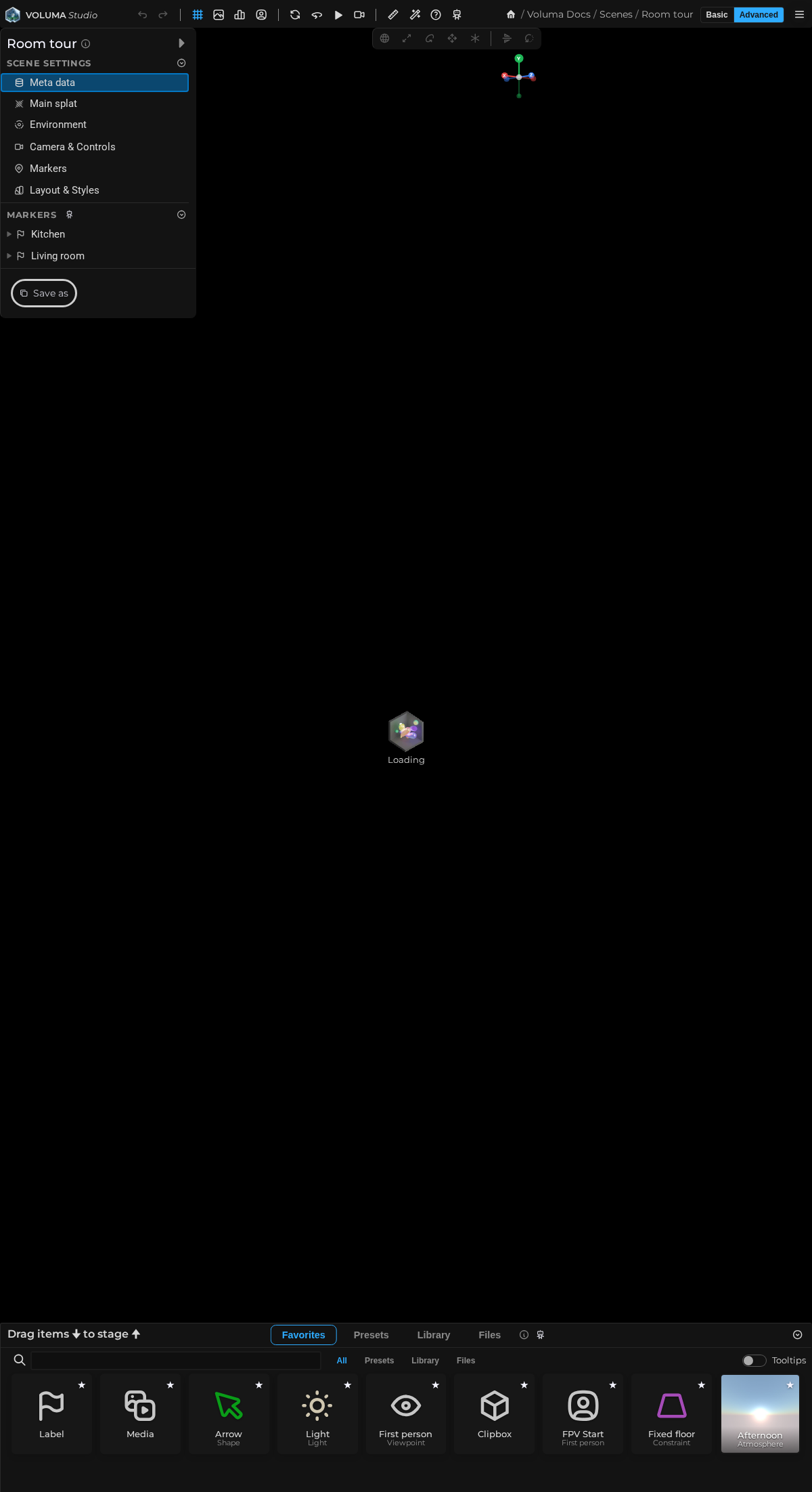
⚠️ captureElement: panel not found for selector [data-doc-panel="editor"], falling back to full page; LCC: captureElement panel not found for selector [data-doc-panel="editor"], falling back to full page
Related pages
- Menu Bar
- Tool Bar
- Orientation Widget
- Scene Browser
- Scene Properties
- Scene Properties – Meta
- Scene Properties – Splat
- Scene Properties – Environment
- Scene Properties – Camera
- Scene Properties – Camera – Orbit
- Scene Properties – Camera – First Person
- Scene Properties – Camera – XR
- Scene Properties – Marke v rs
- Scene Properties – Styling
- Marker Properties
- Marker Properties – Appearance
- Marker Properties – Label
- Marker Properties – Viewpoint
- Marker Properties – Animation
- Marker Properties – Audio
- Marker Properties – Behavior
- Asset Browser
- Scene Actions
- Asset Browser – Favorites
- Asset Browser – Presets
- Asset Browser – Library
- Asset Browser – Files
Sections
Core editor modules
- Scene Browser for save/discard flows, scene metadata, thumbnail updates, and section switching
- Properties View for scene-level and marker-level editing
- Transform Toolbar and gizmo tools for direct manipulation
- Asset Browser for favorites, presets, library, and project files
Key capabilities
- Scene metadata editing, including title, tags, date, geo fields, thumbnail, and optional animation preview
- Main splat and environment controls, including transform, shader, reveal, lighting, and sky/ground options
- Marker behavior controls for focus modes, flythrough options, minimap behavior, and visitor interactions
- Marker camera, action, and audio behavior, including proximity and trigger-based interactions
- Anonymous scene copy-save flow to move template scenes into user-owned projects
Runtime and safety behavior
- Editor access is checked against client membership, with guarded redirects for invalid access.
- Keyboard shortcuts and transform modes are enabled only in active editor contexts.
- Upload and file-picking capabilities are limited in anonymous mode.
- Save flows include best-effort asset cleanup to keep scene persistence resilient.
Publishing handoff
- Scene metadata can open dedicated publish settings routes for final sharing configuration.
- Project-level viewer defaults from Project Settings apply to downstream viewing experiences.