
Scene Meta data
Meta settings hold the descriptive information for a scene. Keeping this section tidy makes scenes easier to identify, share, and manage later in the project workspace.
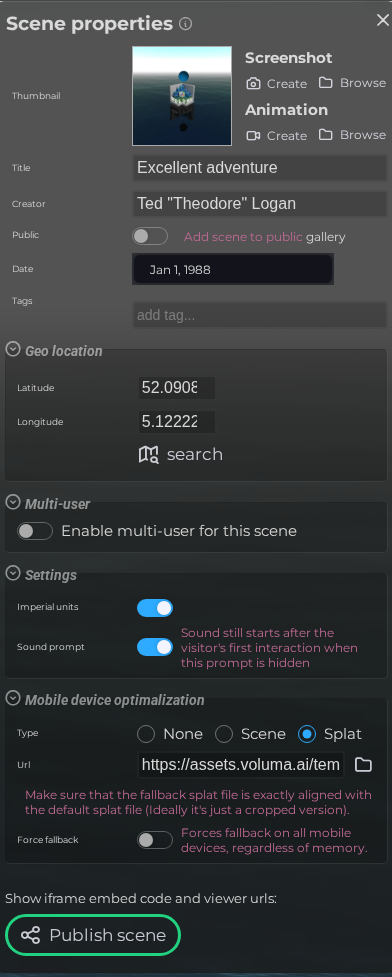
LCC viewer
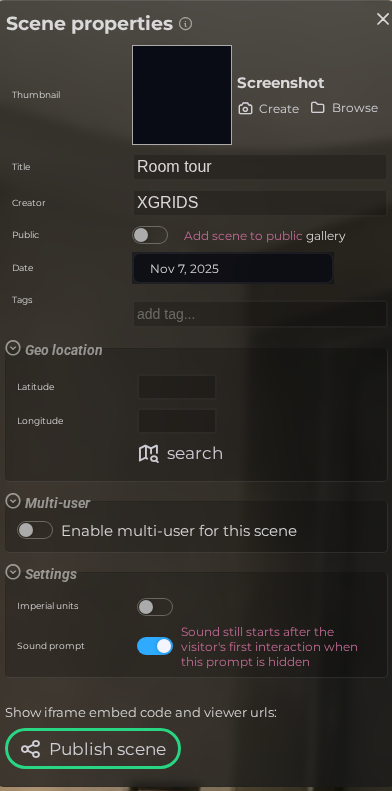 Steps: Expand scene settings section → Select the Meta scene section → Expand all collapsed fieldsets
Interface elements
| Element | Details |
|---|---|
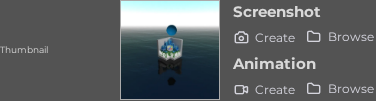 | Thumbnail Set the preview thumbnail and optional animated GIF for the scene. |
 | Title The display name of the scene shown in listings and the viewer. |
 | Creator The name of the person or organisation that created the scene. |
 | Public listing When enabled, the scene is visible in the public gallery. |
 | Date The creation or capture date associated with the scene. |
 | Tags Keywords that help categorise and find the scene. |
Geo location
| Element | Details |
|---|---|
 | Latitude The geographic latitude of the scan location (−90 to 90). |
 | Longitude The geographic longitude of the scan location (−180 to 180). |
 | Location search Search for an address or place to automatically fill in the coordinates. |
Settings
| Element | Details |
|---|---|
 | Imperial units Display measurements in feet and inches instead of metres. |
Mobile device optimalization
| Element | Details |
|---|---|
 | Mobile fallback type Choose how the scene behaves on lower-end devices. |
 | Fallback splat URL URL of a lightweight splat file used as the mobile fallback. |
 | Force fallback Always show the fallback content, regardless of device capability. |