
Scene Properties – Camera – XR
Configure the WebXR / VR camera: entry button, initial position, teleport, and movement speed.
LCC viewer
 Steps: Expand scene settings section → Select the Camera scene section → Expand all collapsed fieldsets
Interface elements
XR view
| Element | Details |
|---|---|
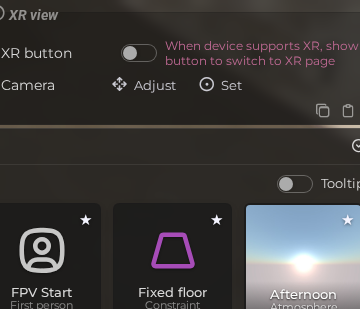
 | XR Button Show a button in the viewer that lets users enter WebXR / VR mode. Default: Off |
 | XR Camera Position Set or adjust the initial camera position used when entering XR mode. |
 | XR Teleport Enable controller-triggered teleportation in XR / VR mode. Default: On |
 | XR Move Speed Set the joystick movement speed in XR mode. Default: 0.001 |
 | XR Drag Speed Set the speed of drag-based movement in XR mode. Default: 1 |
 | XR Rotate Step Set the snap rotation angle (in degrees) per controller input in XR mode. Default: 30 |