
Create Scene Dialog
The Create Scene dialog walks you through turning a splat source into a new Voluma scene. It supports a few starting points, so you can upload files, link to hosted data, use a template, or clone something you already have.
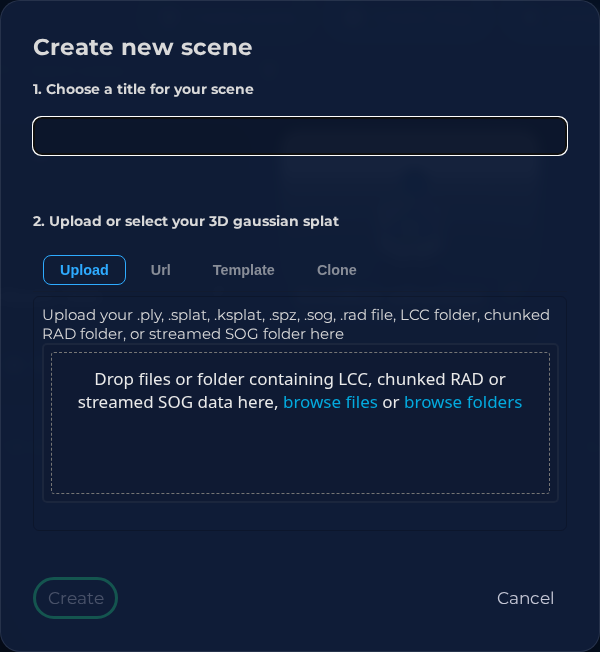 Steps: Open create scene dialog
Interface elements
| Element | Details |
|---|---|
 | Splat Source Select the source type for the new splat scene. |
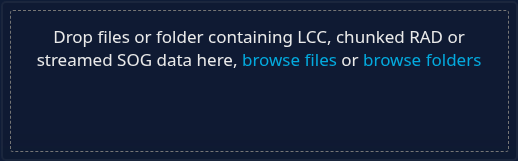 | Upload Splat File Upload a splat file for the new scene. |
Documentation
Creating a new 3D scene based on a gaussian splat file:
- Enter a scene title in the title input field
- Choose a gaussian splat source. You can either:
- Upload > Upload your own file
- Url > Link to a self hosted splatfile
- Template > Clone a scene from our splat library
- Clone > Clone one of your own scenes
Note
LCC files are actually folders containing metadata, splat data, and collision files, among others. Drag and drop the folder into the upload area, or browse and select the folder containing the LCC files.