Settings
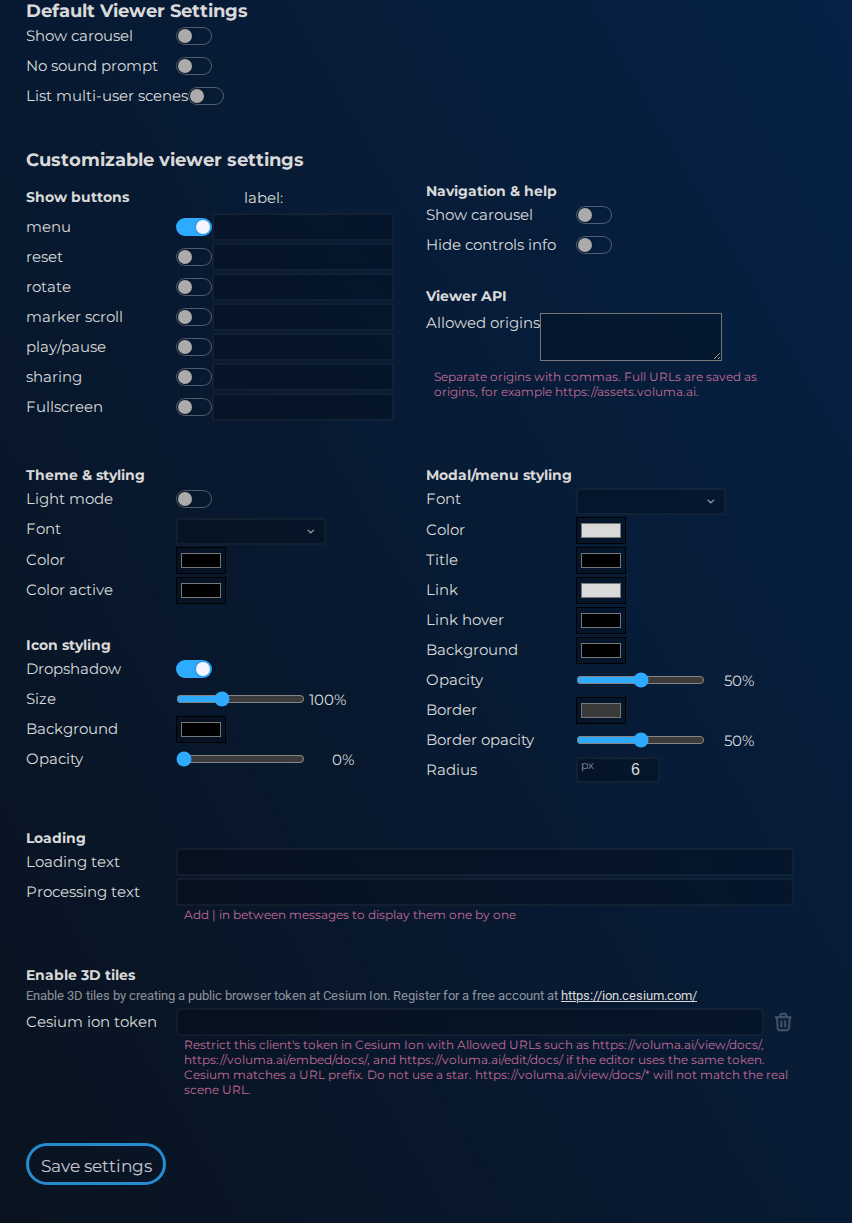
Use Project Settings to set defaults for all scenes in the project: presentation options, embed behavior, and other shared visitor-facing settings.
Interface elements
| Element | Details |
|---|---|
 | Project Settings Viewer Api Settings Documentation for Project Settings Viewer Api Settings. |
 | Project Settings Allowed Parent Origins Documentation for Project Settings Allowed Parent Origins. |
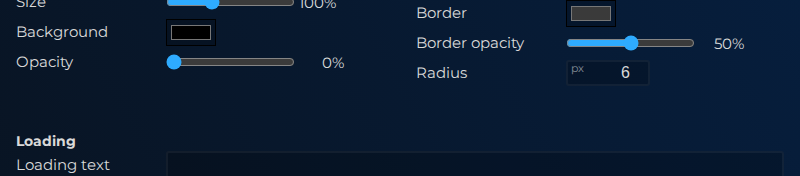 | Project Settings Geo World Cesium Settings Documentation for Project Settings Geo World Cesium Settings. |
 | Project Settings Geo World Cesium Intro Documentation for Project Settings Geo World Cesium Intro. |
 | Project Settings Geo World Cesium Token Documentation for Project Settings Geo World Cesium Token. |
 | Project Settings Geo World Cesium Clear Token Documentation for Project Settings Geo World Cesium Clear Token. |
 | Project Settings Geo World Cesium Note Documentation for Project Settings Geo World Cesium Note. |
Documentation
In Default viewer settings you can choose whether to show a carousel at the bottom of the viewer, which links to all scenes in the project.
Embed viewer settings are only available on paid plans. Here you can customize the embedded viewer — including styling options and which icons appear in the viewer toolbar.
A project can only be deleted after all its scenes have been removed first.